Notice what is stealing your attention
Take an honest look at information overload, constant notifications, and the digital habits that quietly break up your day.
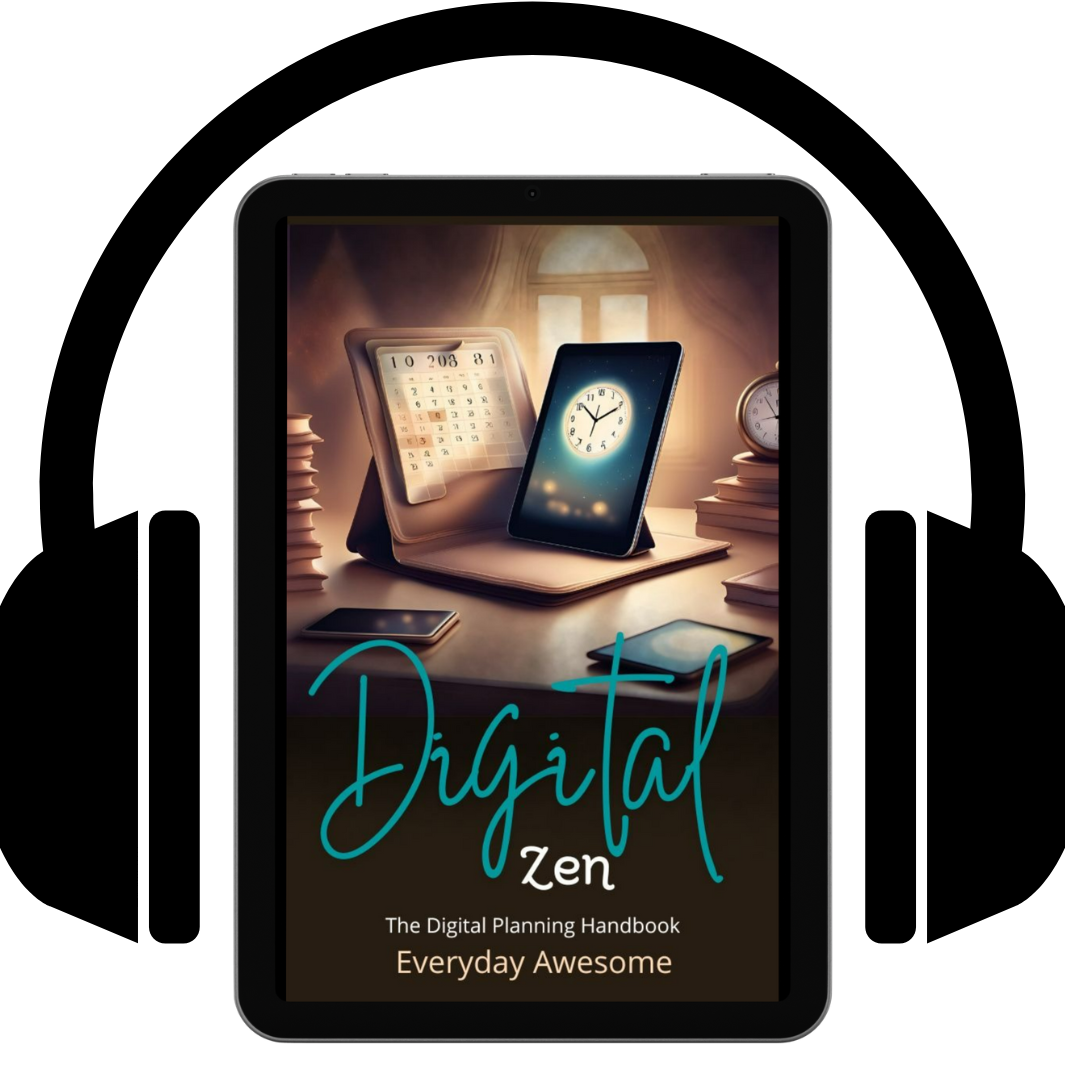
Use technology without letting it run your life.
Technology can make life easier—but it can also leave you distracted, overloaded, and constantly trying to catch up. Digital Zen helps you take a more intentional look at the way you use your devices, tools, time, and attention so you can build a digital life that actually supports you.
Digital product—no physical item will be shipped.Sold and delivered securely through Everyday Awesome.
This is not about abandoning technology or building a perfect productivity system. It is about noticing what is creating friction, deciding what genuinely helps, and setting up a realistic digital workspace that fits your priorities.
Take an honest look at information overload, constant notifications, and the digital habits that quietly break up your day.
Stop collecting tools just because they promise more productivity. Learn to choose what actually supports the way you work and live.
Build a simpler, more personal system for your tasks, information, goals, and everyday responsibilities.
Use practical approaches for setting clear goals, deciding what matters first, building useful habits, and moving through procrastination.
Learn how data and collaboration tools can support your decisions and workflow without adding another layer of unnecessary complexity.
Create a healthier balance between your digital responsibilities, personal priorities, and the parts of your life that deserve your full attention.
Play it while you commute, clean up, take a walk, or work through your own digital reset. You can move through the ideas at your pace and return to the sections that matter most to you.
The goal is not to become perfectly productive. It is to make technology feel useful again.
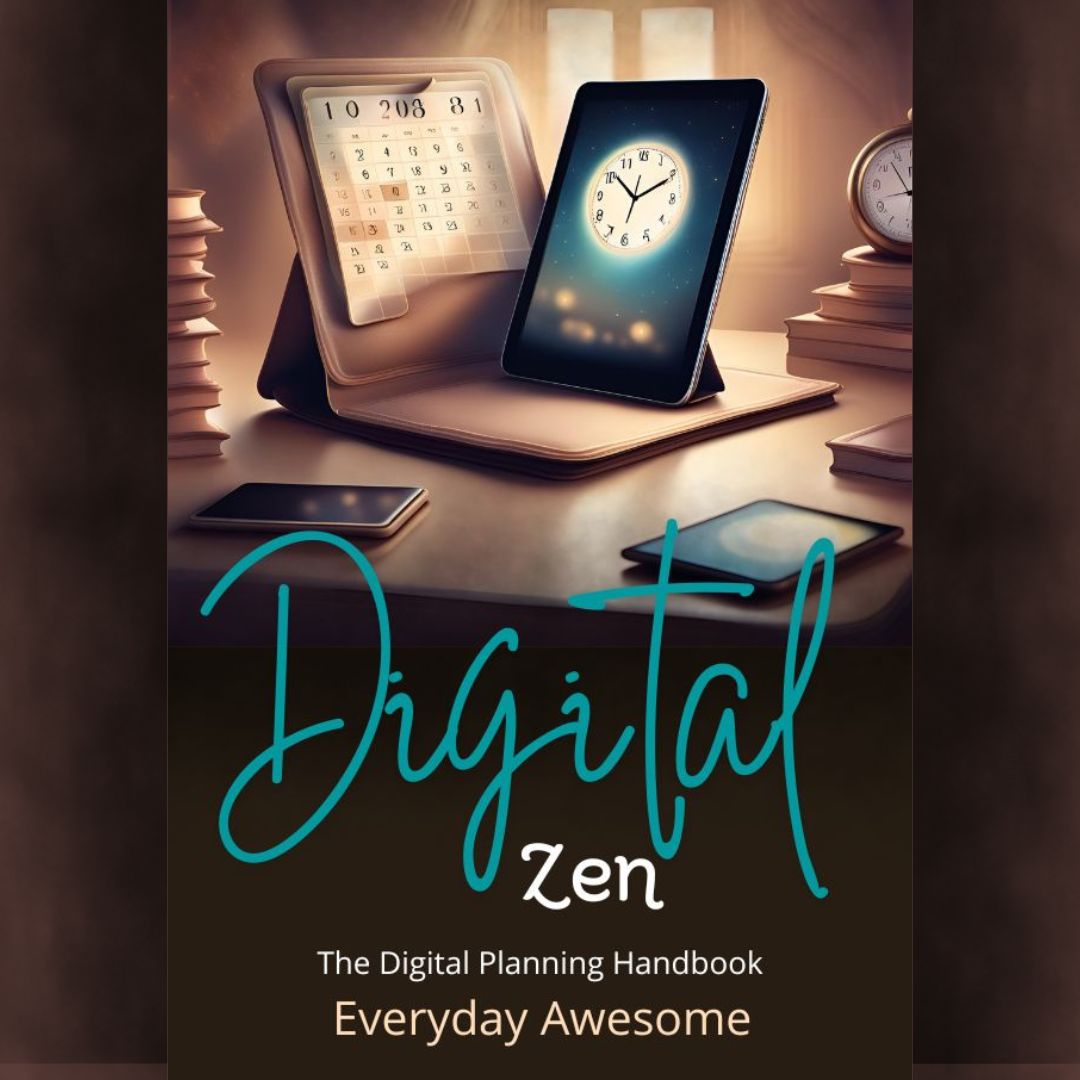
Start paying attention to what helps, what distracts you, and what can be simplified. Digital Zen gives you a practical place to begin.
Digital purchases are delivered electronically and are non-refundable.
Your audiobook is delivered as a ZIP file. A ZIP file is simply a folder that has been compressed for easier downloading. You will need to extract it before your audiobook player can see the audio files inside.
Save the ZIP file to your device. If your browser asks where to put it, choose Downloads or another folder you can find easily.
Open or extract the ZIP file. A new regular folder will appear with the audiobook files inside. Do not try to import the ZIP file itself.
In your preferred audiobook or audio player, choose Open, Add, or Import and select the extracted audio files. Keep the files together so the chapters stay organized.
Open the Files app and find the downloaded ZIP file. Tap it once to create an extracted folder, then open that folder. Select an audio file and use Share or Open In to send it to a compatible player, or use that player's import option.
Open Files by Google, find the ZIP file, tap it, choose Extract, and then tap Done. Open your preferred player and select or import the audio files from the extracted folder.
Find the ZIP file in File Explorer, right-click it, choose Extract All, and follow the prompts. Open the extracted folder, then play the audio files directly or add them to your preferred player's library.
Find the ZIP file in Finder and double-click it. The extracted folder will appear in the same location. Open the audio files directly or import them into your preferred player.
Official unzip help: iPhone and iPad · Android · Windows · Mac
Narration for this audiobook was generated using an AI voice.